
How to download workflows from a backup
The owner of an n8n Cloud instance can download a backup of their workflows, as JSON files, from the Cloud console.
Your instance doesn’t need to be running to download these backups. See How to download your workflows when your instance is not available after an expired trial.
Keep in mind you have 90 days to download your workflows after your trial or subscription ends. After that, your account and its backups are permanently deleted and can’t be recovered.
Export your workflows from the Cloud console
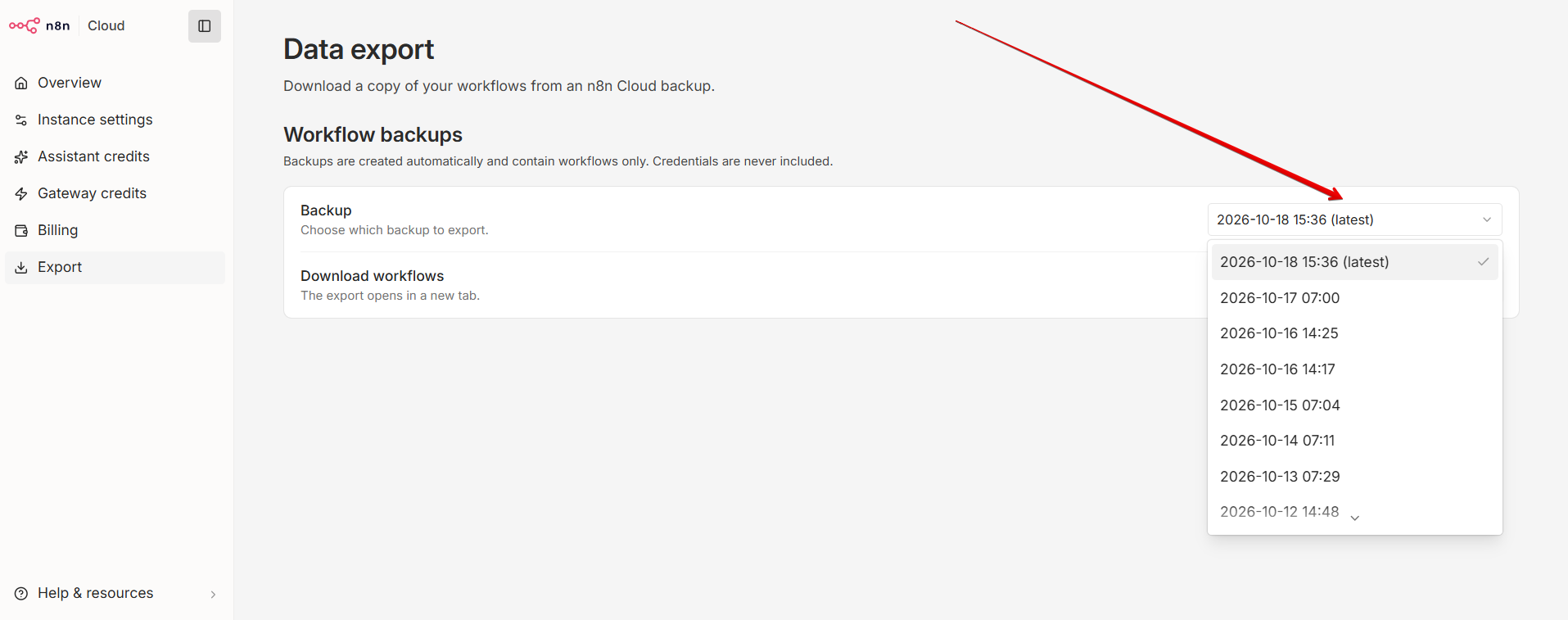
Navigate to Cloud console > Export
For help accessing the Cloud console, see: How to access the n8n Cloud console.
Select the Date of the desired backup that you wish to download from the drop-down.
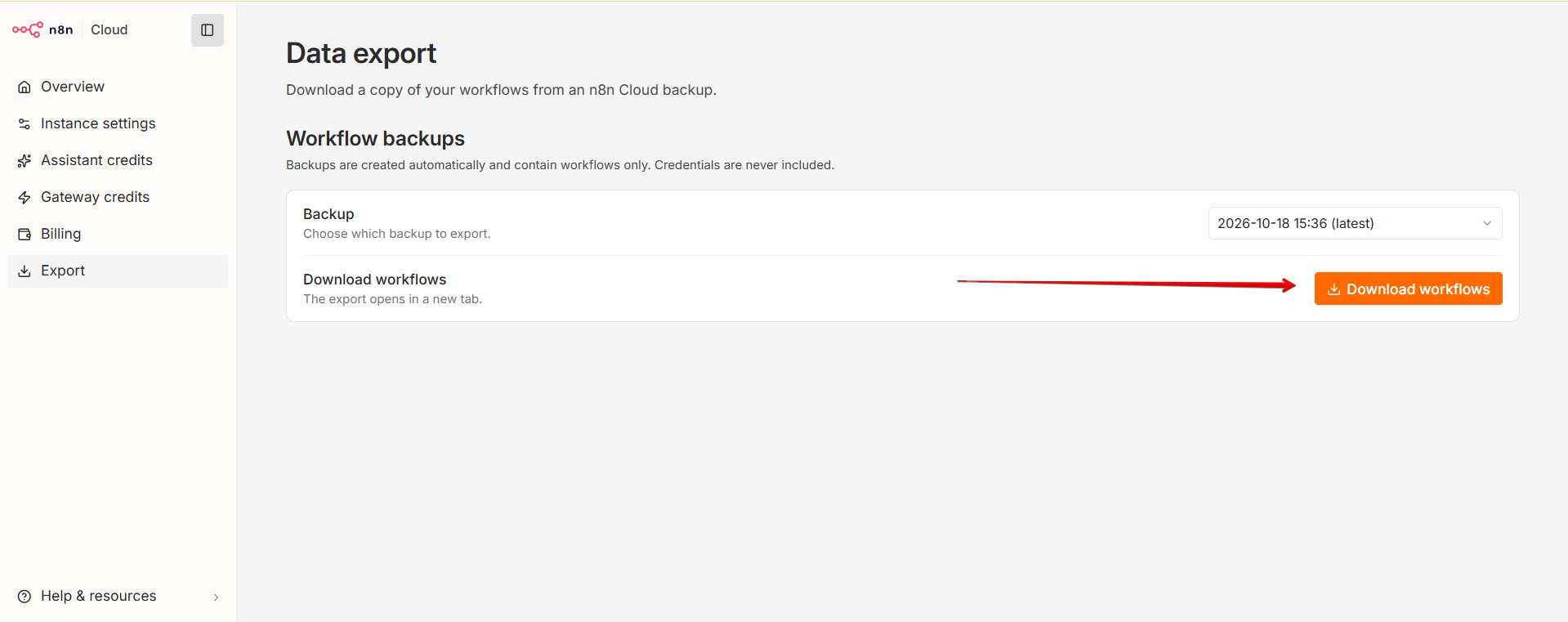
Click on Download workflows:
Recover a deleted workflow
To recover a deleted workflow, select a backup created before the workflow was deleted. The backup must contain the workflow you want to recover. If no available backup contains it, you can’t recover it using this method.
Import the downloaded workflows
After downloading your workflows, follow the workflow import instructions to import them into your n8n instance.
Article Last Updated At: 2026-10-21T09:36:10.557Z