
404 page and how to download your workflows when your instance is not available after an expired trial
When your trial expires, your instance becomes unavailable. You can still download (export) your workflows in this state, via your Cloud console.
Request a magic link at app.n8n.cloud/magic-link.
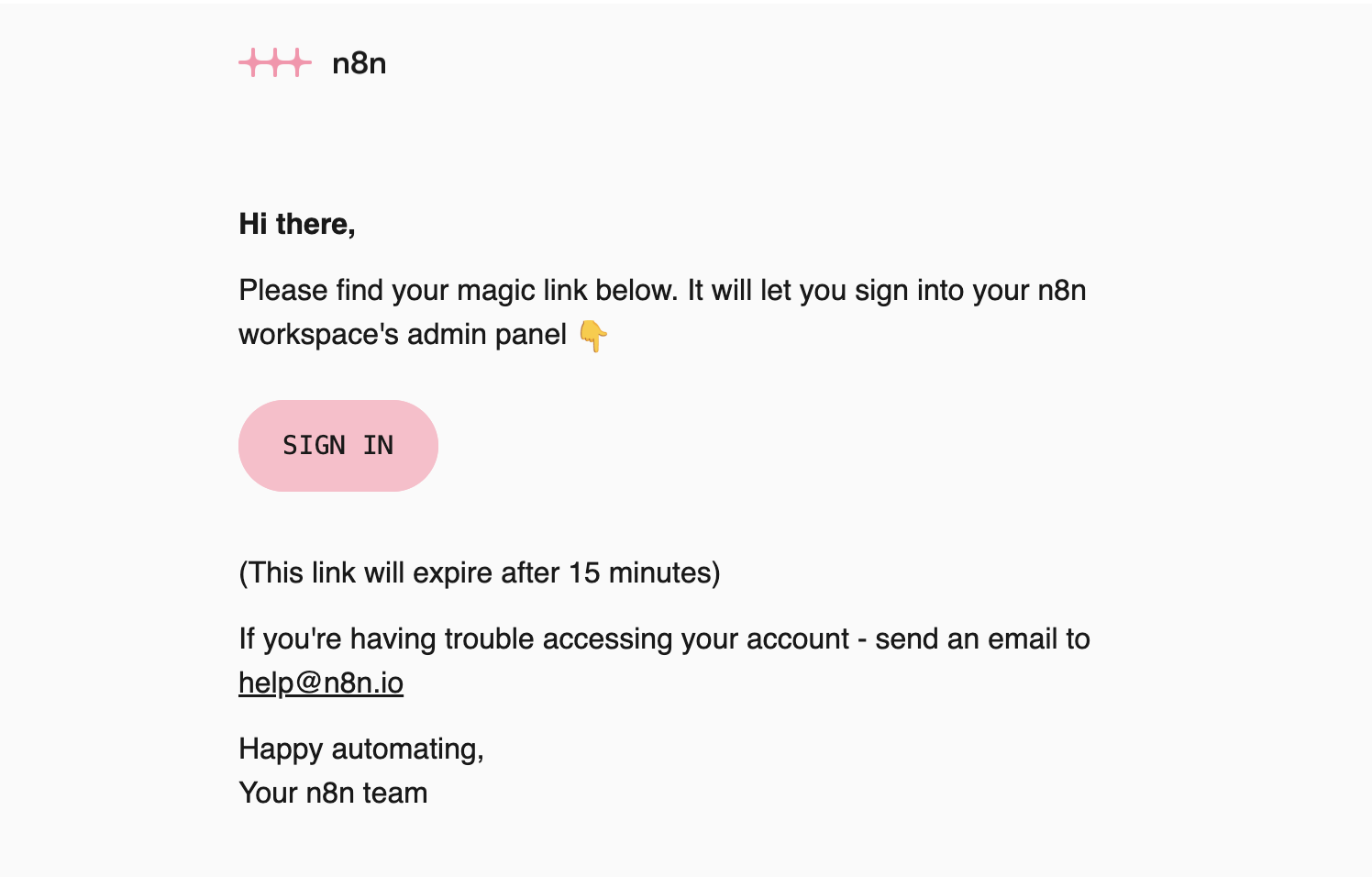
Locate the magic link email in your inbox and click the Sign in button. This takes you to your Cloud console.
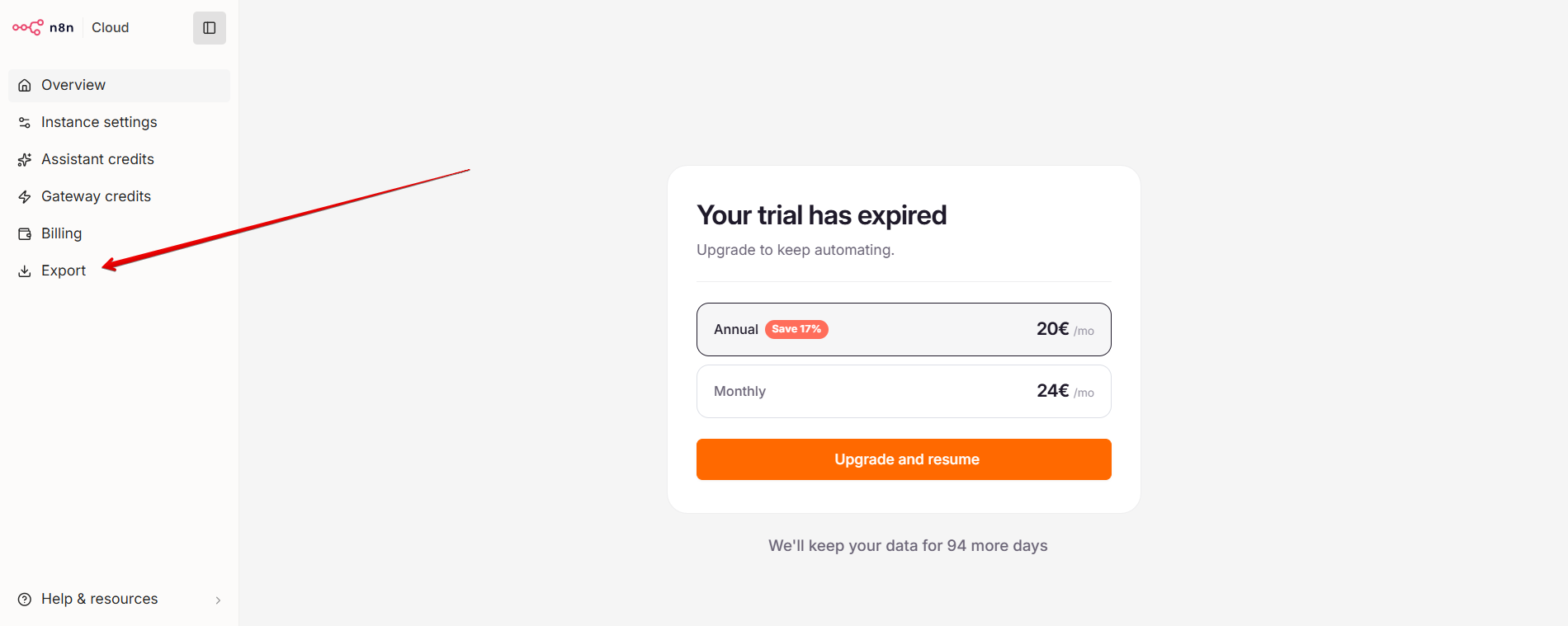
Select Export in the left-hand menu.
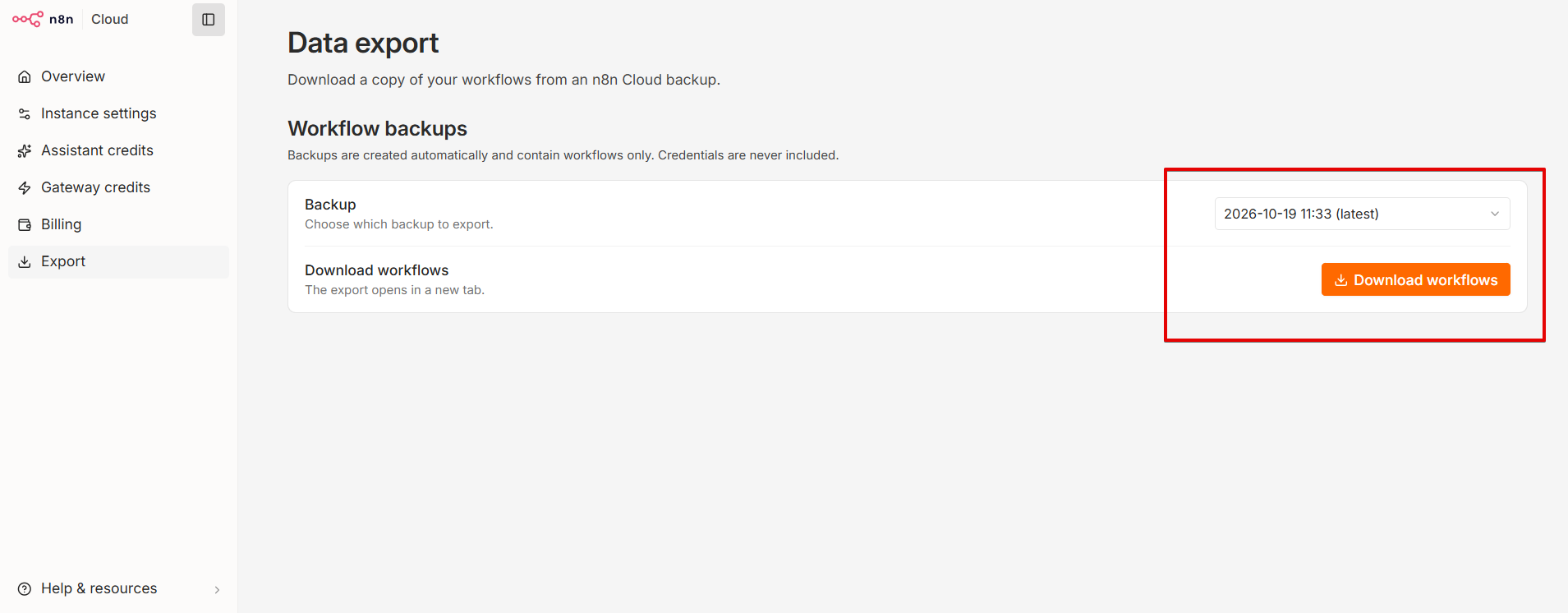
Choose the date you want to download workflows for from the available dates and click Download workflows.
For detailed steps and import instructions, see How to download workflows from a backup.