
Accessing the n8n Assistant
Introduction
n8n Assistant is a chat-based agent in n8n that helps you create, edit, test, and troubleshoot workflows using natural language.
For more information on the feature, please visit our documentation: Use n8n Assistant.
Checking Access
Ensure your n8n Cloud instance is up to date, on the latest stable version by going to Cloud console > Instance settings > Updates.
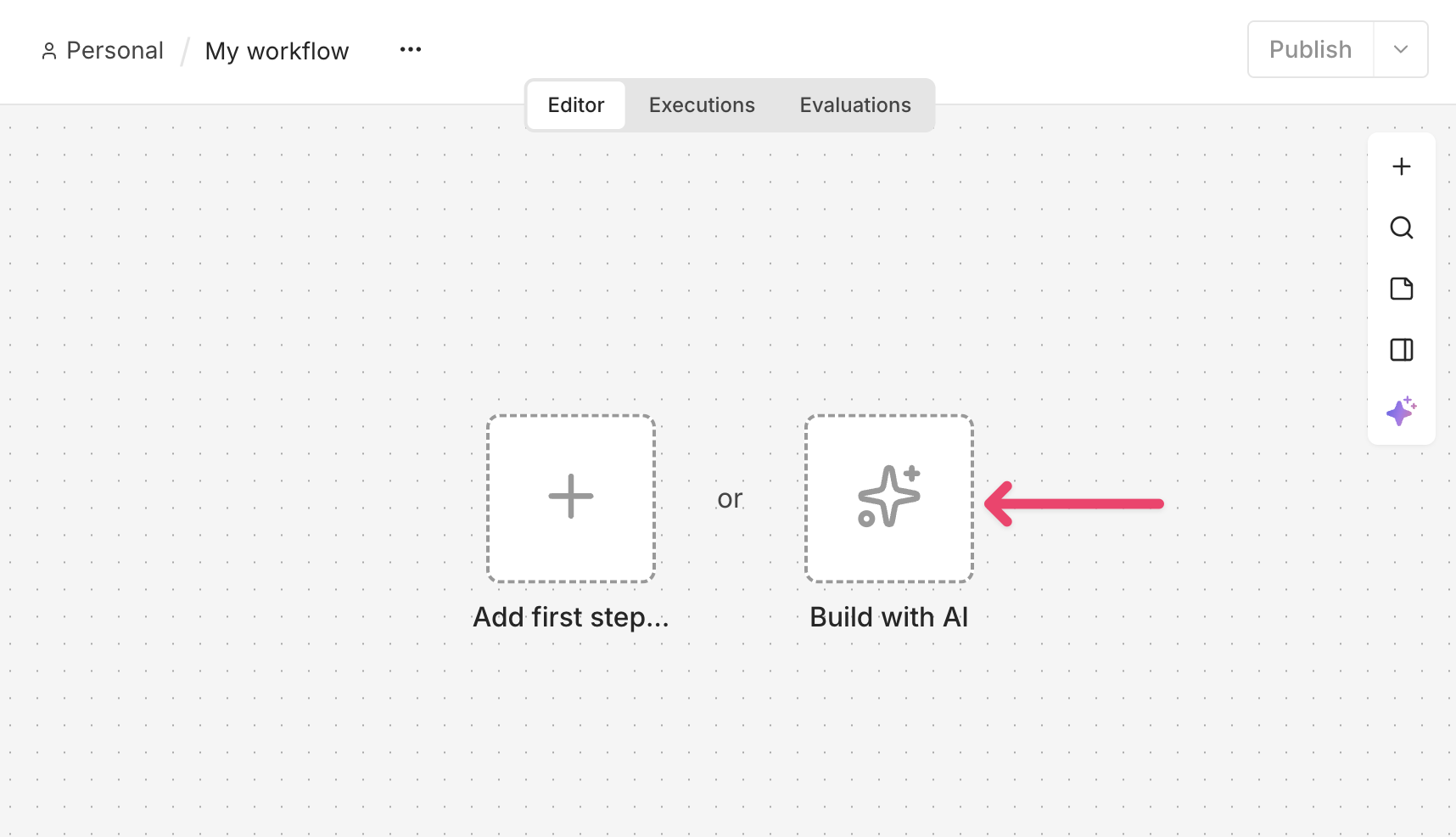
When you create a new workflow, you'll see the following option:
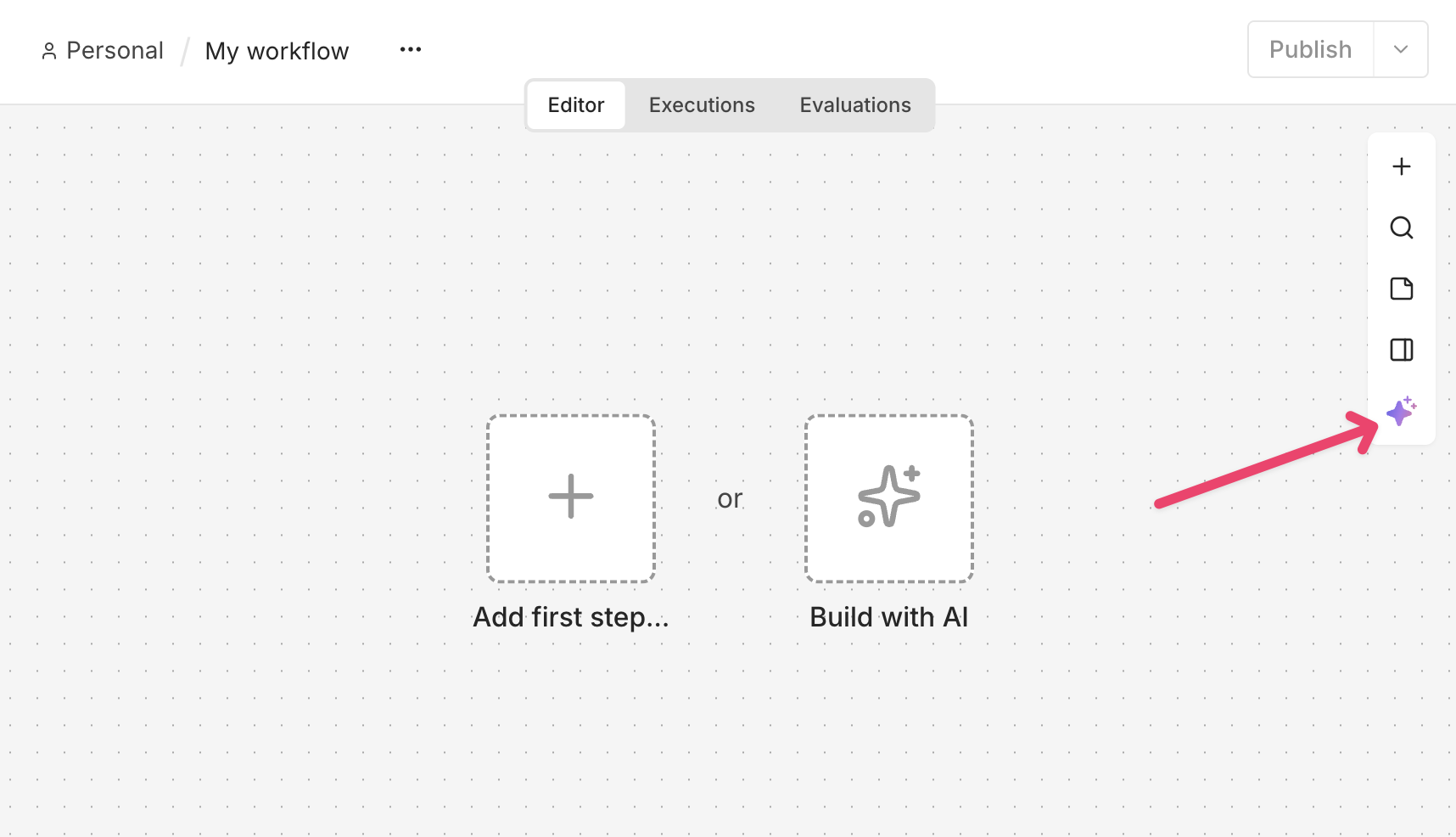
You can also access the n8n Assistant from the AI button in the right-side toolbar:
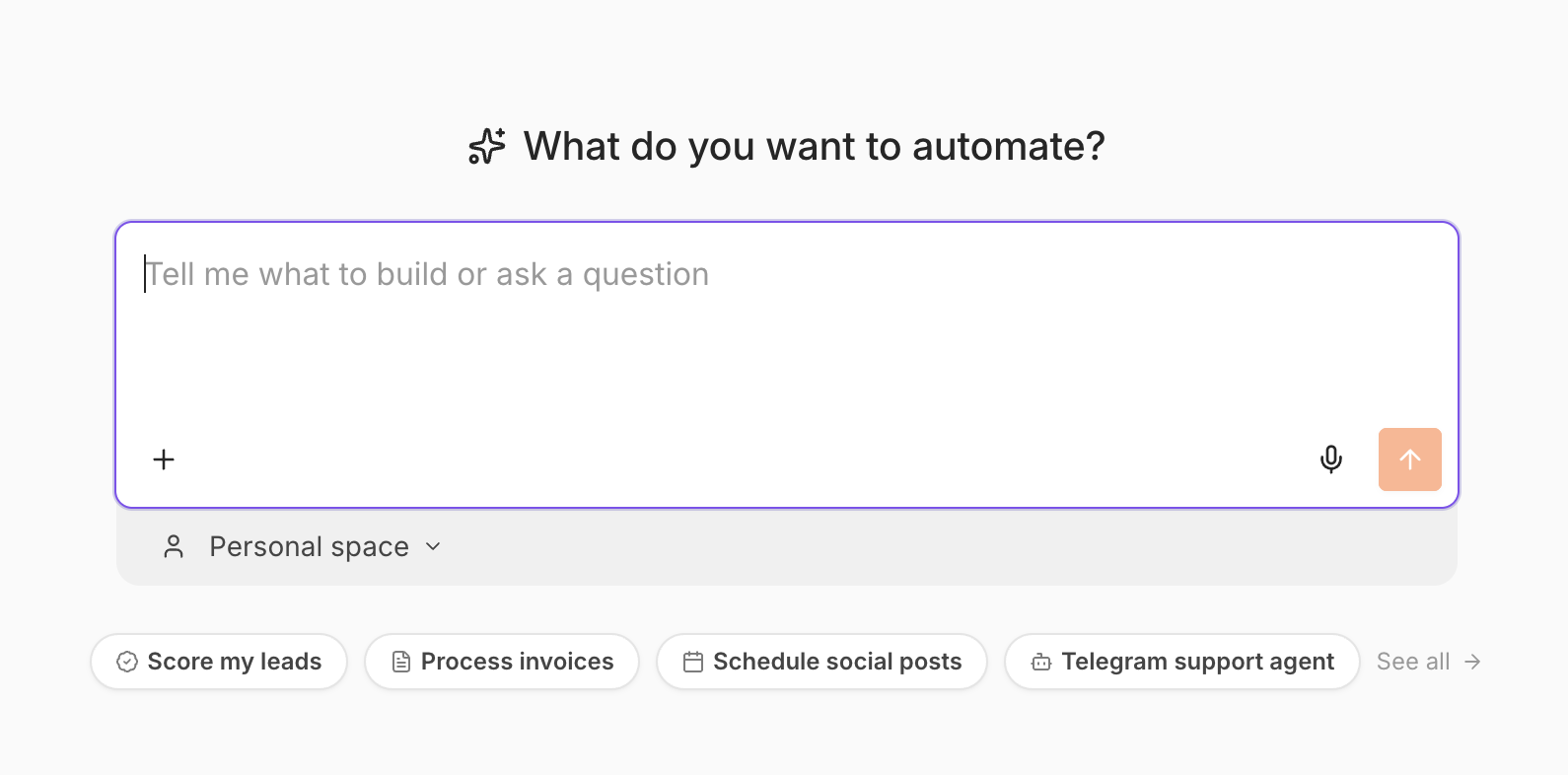
This will take you to the n8n Assistant chat window:
Contacting Support
If you have followed the above steps and still do not see the n8n Assistant or need further assistance, feel free to contact n8n support at help@n8n.io.
Article Last Updated At: 2026-10-20T09:19:36.514Z